
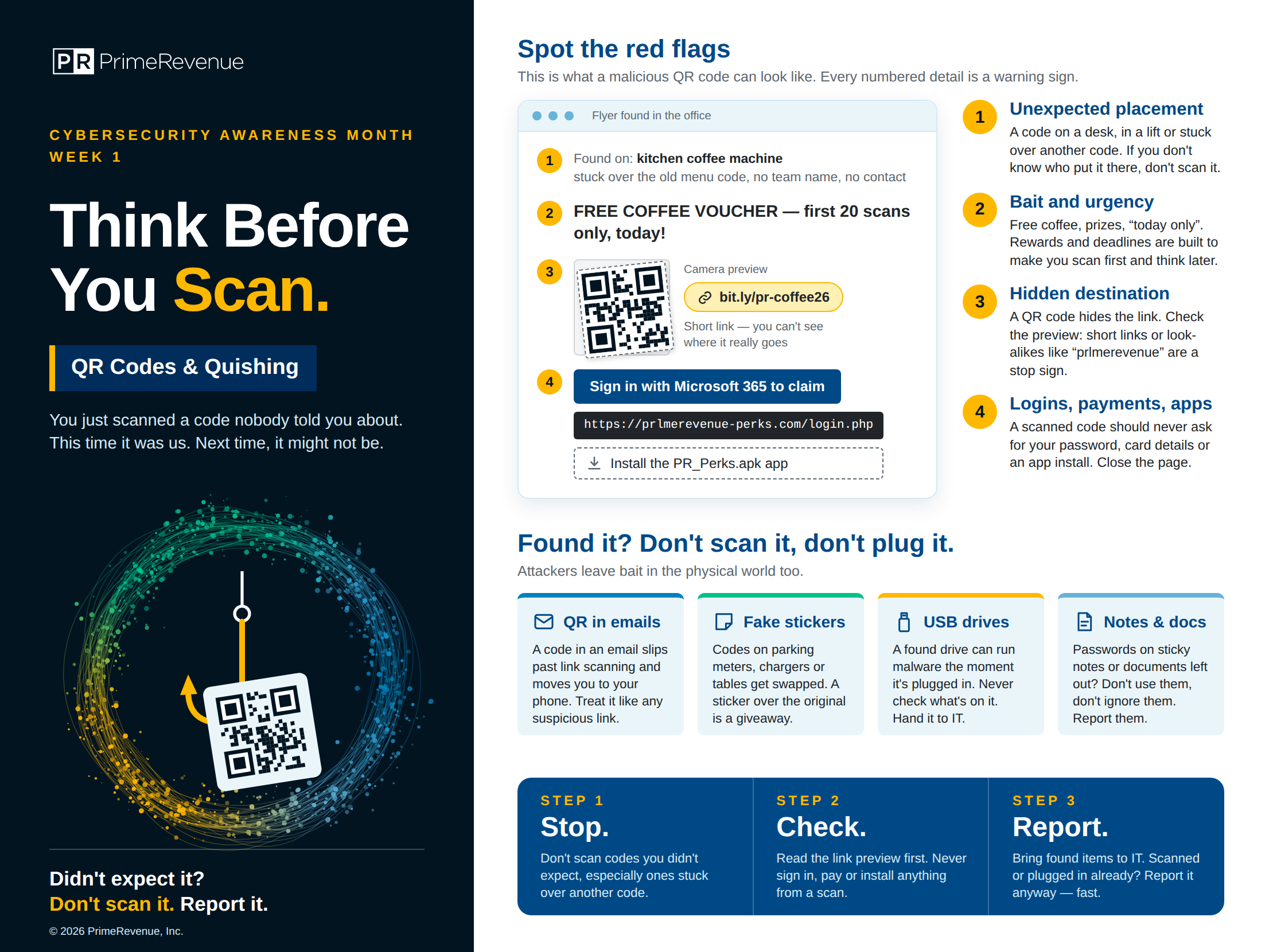
Spot the red flags
Any of these is a reason not to scan.
- 1
Unexpected placement
A code on a desk, in a lift or stuck over another code. If you don't know who put it there, don't scan it.
- 2
Bait and urgency
Free coffee, prizes, “today only”. Rewards and deadlines are built to make you scan first and think later.
- 3
Hidden destination
A QR code hides the link. Check the preview: short links or look-alikes like “prlmerevenue” are a stop sign.
- 4
Logins, payments, apps
A scanned code should never ask for your password, card details or an app install. Close the page.
Before you scan
STEP 1
Stop.
Don't scan codes you didn't expect, especially ones stuck over another code.
STEP 2
Check.
Read the link preview first. Never sign in, pay or install anything from a scan.
STEP 3
Report.
Bring found items to IT. Scanned or plugged in already? Report it anyway — fast.
The full poster
Tap the poster to open it full size.